Admin Dashboard
Upload a diagram image and create hotspots with click-to-place coordinates.
Back to Viewer1. Upload Diagram Image
2. Add Hotspot
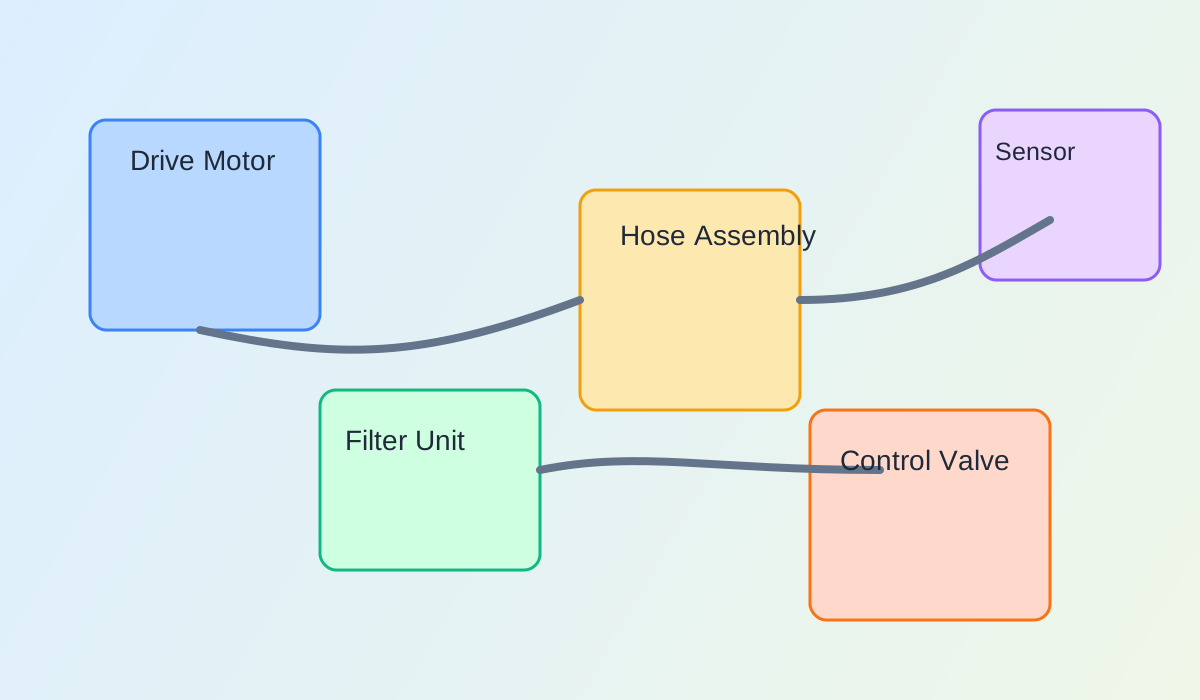
Click on image to choose X/Y placement.
3. Existing Hotspots
| Label | Part Number | X | Y | Width | Height |
|---|
Upload a diagram image and create hotspots with click-to-place coordinates.
Back to ViewerClick on image to choose X/Y placement.
| Label | Part Number | X | Y | Width | Height |
|---|